
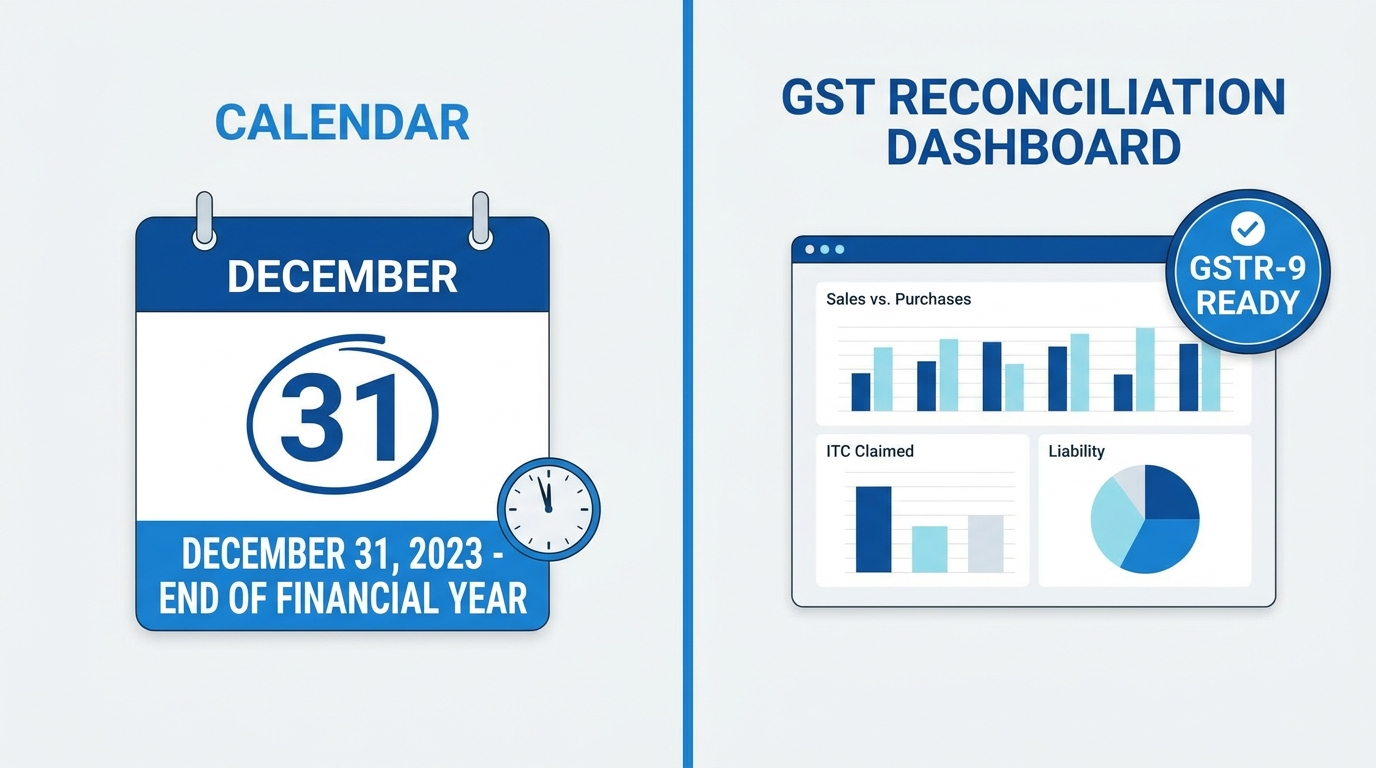
TL;DR: The GSTR-9 is a mandatory annual Goods and Services Tax (GST) return for businesses with an aggregate turnover above ₹2 crore. It consolidates outward supplies, inward supplies, and input tax credit (ITC) for the financial year, and must be filed by December 31 to avoid hefty late penalties.
Introduction
As the financial year concludes, the December 31 deadline for GST annual compliance looms large for Indian enterprises. Failing to file the GSTR-9 Annual Return on time can trigger significant financial penalties and unnecessary scrutiny from tax authorities.
Filing this return is not just a formality; it is a critical audit mechanism that cross-verifies a year’s worth of monthly tax filings. This comprehensive guide is designed for business owners, accountants, and tax professionals who need to manage their GST compliance efficiently. By the end of this article, you will understand exactly who needs to file, how to navigate the Goods and Services Tax Network (GSTN) portal, and how to avoid the most common reconciliation mistakes.
What Is the GSTR-9 Annual Return?
The GSTR-9 Annual Return is a comprehensive yearly document required under the Goods and Services Tax (GST) regime. It consolidates and reconciles all monthly or quarterly GSTR-1 and GSTR-3B returns filed during a financial year, encompassing outward supplies, inward supplies, taxes paid, and claimed Input Tax Credit (ITC).
Key insight: According to the Central Board of Indirect Taxes and Customs (CBIC), the maximum late fee for filing GSTR-9 is capped at 0.5% of the taxpayer’s turnover in the respective State or Union Territory.
Who Must File GSTR-9?
The requirement to file the annual return depends directly on a business’s aggregate annual turnover. The GST Council periodically reviews and updates these thresholds to ease the compliance burden on small businesses.
- Mandatory Filing: Businesses with an aggregate annual turnover exceeding ₹2 crore during the financial year must file GSTR-9.
- Optional Filing: Taxpayers with a turnover up to ₹2 crore are currently exempt from mandatory filing. However, filing is highly recommended to rectify any discrepancies in monthly returns and maintain a clean compliance record.
Certain taxpayers are explicitly excluded from filing GSTR-9, regardless of turnover. This includes Casual Taxable Persons, Non-Resident Taxable Persons, Input Service Distributors (ISD), and persons paying TDS under Section 51 of the CGST Act.
What Does GSTR-9 Reconcile?
The primary purpose of GSTR-9 is reconciliation. It acts as the final check to ensure that the data declared throughout the year matches the actual financial reality of the business. The return reconciles four primary data points:
- Outward Supplies: It matches the total sales declared in monthly GSTR-1 returns against the actual turnover recorded in your audited financial statements.
- Input Tax Credit (ITC): The return compares the ITC claimed in GSTR-3B against the auto-populated data from suppliers in GSTR-2A and GSTR-2B. Unclaimed eligible ITC can be declared, while ineligible claimed ITC must be reversed.
- Tax Paid Discrepancies: It identifies shortfalls between the tax liability declared and the tax actually paid. Any outstanding tax must be paid via form DRC-03 before finalizing the return.
- HSN Summary: It consolidates the Harmonized System of Nomenclature (HSN) codes for all inward and outward supplies, which is mandatory for businesses crossing specific turnover thresholds.
GSTR-9 vs. GSTR-9C: Understanding the Difference
Taxpayers frequently confuse GSTR-9 with GSTR-9C. While they are often searched and filed together, they serve distinctly different purposes and apply to different turnover brackets.
| Feature | GSTR-9 | GSTR-9C |
|---|---|---|
| Document Type | Annual Return | Reconciliation Statement |
| Turnover Threshold | Exceeding ₹2 crore | Exceeding ₹5 crore |
| Primary Function | Consolidates GSTR-1 and GSTR-3B data for the year. | Reconciles GSTR-9 data with audited annual financial statements. |
| Certification | Self-certified by the taxpayer. | Self-certified by the taxpayer (previously required CA/CMA certification). |
Step-by-Step Portal Walkthrough for GSTR-9 Filing
Filing the return requires navigating the GSTN portal carefully. Ensure you have your annual financial statements, GSTR-1, GSTR-3B, and GSTR-2B summaries ready before beginning.
- Login to the Portal: Access the official GST Portal using your valid credentials.
- Navigate to Annual Returns: Go to
Services>Returns>Annual Return. Select the relevant Financial Year and clickSearch. - Initiate GSTR-9: Click on
Prepare Onlineunder the GSTR-9 tile. - Download Auto-Populated Data: Download the system-computed summaries for GSTR-1, GSTR-3B, and GSTR-9. The portal auto-fills tables 4, 5, 6, 8, and 9 based on your monthly filings.
- Verify and Edit Tables: Carefully review the auto-populated data. You can edit specific fields if you discover discrepancies between the system data and your audited books.
- Calculate and Pay Tax Differences: If editing the tables reveals additional tax liability, you cannot pay it directly through GSTR-9. You must navigate to
Services>User Services>My Applicationsand file form DRC-03 to remit the balance. - File the Return: Once all data is accurate and liabilities are cleared, click
Compute Liabilities, check the declaration box, and file using either an Electronic Verification Code (EVC) or a Digital Signature Certificate (DSC).
Pro Tip: Always download and save the draft PDF of your GSTR-9 before final submission. Share this with your internal audit team for a secondary review, as the form cannot be amended once filed.
Common GSTR-9 Filing Errors to Avoid
Even seasoned accountants can make mistakes during the annual reconciliation process. Avoid these frequent pitfalls to ensure a smooth filing experience:
- ITC Mismatches with GSTR-2B: Claiming more ITC in GSTR-9 than what is reflected in the auto-populated GSTR-2B is the most common trigger for departmental notices. Always reconcile these figures meticulously.
- Ignoring Exempted Supplies: Taxpayers often forget to report exempted, nil-rated, or non-GST supplies in Part 5 of the form. Omitting this data leads to an inaccurate representation of total turnover.
- Incorrect HSN Summaries: Failing to provide accurate 4-digit or 6-digit HSN summaries for outward supplies (as required based on your turnover tier) can lead to immediate portal rejection or subsequent penalties.
- Overlooking Reverse Charge Mechanism (RCM): Ensure that liabilities arising from inward supplies liable to reverse charge are accurately declared and taxes are paid.
Frequently Asked Questions
What is the due date for GSTR-9 filing?
The due date for filing the GSTR-9 Annual Return is December 31 of the year following the relevant financial year. For example, for FY 2023-24, the deadline is December 31, 2024, unless officially extended by the CBIC.
Is GSTR-9 mandatory for all businesses?
No, it is not mandatory for all businesses. The return is only mandatory for taxpayers whose aggregate annual turnover exceeds ₹2 crore. Businesses below this threshold have the option to file it voluntarily.
What is the difference between GSTR-9 and GSTR-9C?
GSTR-9 is a consolidated annual return of all GST filings made during the year. In contrast, GSTR-9C is a reconciliation statement that matches the figures reported in GSTR-9 against the taxpayer’s audited annual financial statements, required only for turnovers above ₹5 crore.
What happens if I file GSTR-9 late?
Late filing attracts a penalty of ₹200 per day (₹100 CGST plus ₹100 SGST). However, the maximum late fee is capped at 0.5% of the taxpayer’s aggregate turnover in the respective State or Union Territory.
Can I revise GSTR-9 after filing?
No, you cannot revise GSTR-9 once it is successfully filed on the GST portal. This makes it critical to thoroughly verify all data, reconcile ITC, and consult draft PDFs before completing the final submission using EVC or DSC.
Conclusion
Filing the GSTR-9 Annual Return is a vital compliance step that ensures your financial records align perfectly with the GST department’s data. By understanding the threshold requirements, preparing your reconciliation data early, and following the portal walkthrough steps carefully, you can meet the December 31 deadline with confidence.